In today’s digital age, accessing online services seamlessly is crucial. For millions of Indians, the CSC (Common Service Center) portal is a gateway to essential government and private services. However, forgetting your CSC password can be a frustrating experience. Thankfully, resetting your CSC Password Reset by Aadhar Card is a straightforward process. This article will walk you through everything you need to know about resetting your CSC password, why Aadhar is a reliable tool for this process, and how to avoid common pitfalls.
What is CSC and Why is Password Reset Important?
Common Service Centers (CSCs) are physical facilities that provide digital access to government and private services in rural and urban areas. From applying for government schemes to paying utility bills, CSCs play a vital role in bridging the digital divide.
Your CSC account is your key to accessing these services. However, forgetting your password can lock you out of your account, disrupting your ability to avail these services. This is where the CSC password reset by Aadhar card comes into play. Aadhar, India’s unique identification system, simplifies the process by verifying your identity securely and efficiently.
Why Use Aadhar for CSC Password Reset?
Aadhar is one of the most trusted and widely used identification systems in India. Here’s why it’s ideal for resetting your CSC password:
- Universal Accessibility: Almost every Indian citizen has an Aadhar card, making it a convenient tool for identity verification.
- Secure and Reliable: Aadhar uses biometric and OTP-based authentication, ensuring that only the rightful owner can reset the password.
- Streamlined Process: Linking your Aadhar to your CSC account simplifies the password reset process, eliminating the need for lengthy paperwork.
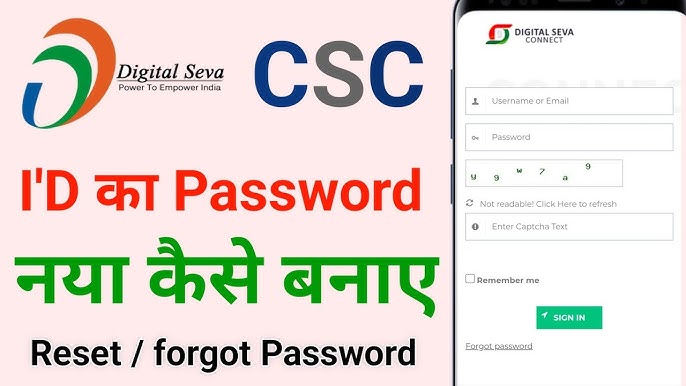

Step-by-Step Guide to CSC Password Reset by Aadhar Card
Resetting your CSC password using your Aadhar card is a simple process. Follow these steps:
Step 1: Visit the Official CSC Portal
Go to the official CSC website (https://www.csc.gov.in) and navigate to the login page.
Step 2: Click on “Forgot Password”
Below the login fields, you’ll find the “Forgot Password” option. Click on it to initiate the reset process.
Step 3: Enter Your Aadhar Number
You’ll be prompted to enter your Aadhar number. Ensure that the number you provide is linked to your CSC account.
Step 4: Verify Your Identity
You’ll receive an OTP (One-Time Password) on your registered mobile number linked to your Aadhar. Enter the OTP to verify your identity.
Step 5: Create a New Password
Once your identity is verified, you’ll be allowed to create a new password. Make sure to choose a strong password that combines letters, numbers, and special characters.
Step 6: Log in with Your New Password
After successfully resetting your password, log in to your CSC account using your new credentials.

Common Issues and Troubleshooting
While the process is straightforward, users may encounter some challenges:
- Aadhar Not Linked: If your Aadhar is not linked to your CSC account, you’ll need to visit your nearest CSC center to complete the linking process.
- OTP Not Received: Ensure that your mobile number is correctly linked to your Aadhar. If you still don’t receive the OTP, contact the UIDAI helpline.
- Incorrect Aadhar Details: Double-check the Aadhar number you enter. Any mismatch will result in verification failure.
Benefits of Using Aadhar for CSC Password Reset
- Time-Saving: The process is quick and can be completed within minutes.
- Hassle-Free: No need to visit a CSC center or submit physical documents.
- Enhanced Security: Aadhar’s biometric and OTP-based authentication ensures that only authorized users can reset the password.
Expert Insights
According to Dr. Ajay Bhushan Pandey, former CEO of UIDAI, “Aadhar has revolutionized the way Indians access digital services. Its integration with platforms like CSC ensures that citizens, especially in rural areas, can avail services without unnecessary hurdles.”
Statistics also support this claim. As of 2023, over 1.3 billion Aadhar cards have been issued, and more than 80% of CSC users have linked their accounts with Aadhar for seamless service access.
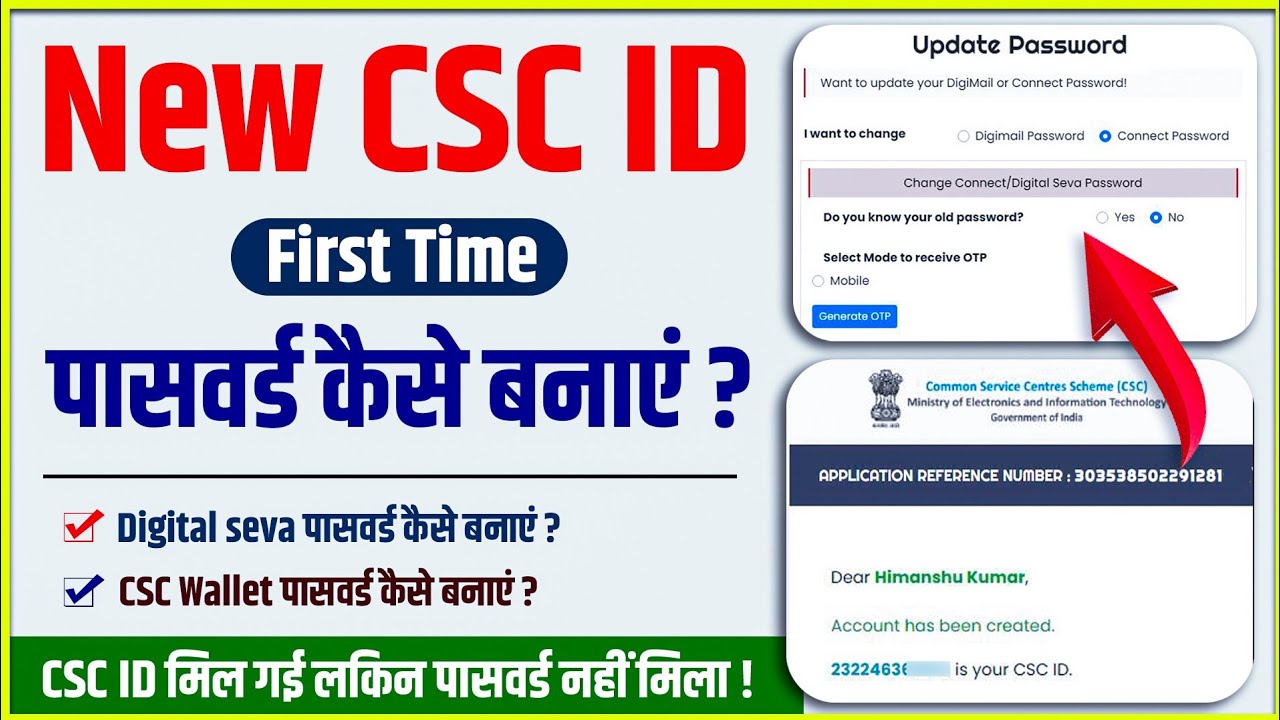
Tips for a Smooth CSC Password Reset
- Keep Your Aadhar Updated: Ensure that your mobile number and email address linked to your Aadhar are up-to-date.
- Use a Strong Password: Avoid using easily guessable passwords like “123456” or “password.”
- Save Your New Password: Store your new password securely to avoid future resets.
Conclusion
Resetting your CSC password by Aadhar card is a simple, secure, and efficient process. By leveraging Aadhar’s robust verification system, you can regain access to your CSC account in no time. Whether you’re a rural citizen relying on CSCs for essential services or an urban user accessing government schemes, this method ensures that you’re never locked out of your account for long.
So, the next time you forget your CSC password, don’t panic. Just grab your Aadhar card, follow the steps outlined above, and you’ll be back in action in no time!
Disclaimer
This post is for educational purposes only. If you have any issues with the content or ownership, please visit our DMCA page for guidance on post removal. Always verify the authenticity of the information provided and consult official sources for the most accurate and up-to-date details.
By following this guide, you’ll not only understand the process of resetting your CSC password using Aadhar but also appreciate the convenience and security it offers. Happy resetting!